> ## Documentation Index
> Fetch the complete documentation index at: https://support.hexus.ai/llms.txt
> Use this file to discover all available pages before exploring further.
# Customization
> Customize your logo, CTA appearance, colors, add custom assets in the Settings tab on the left.
**Quick Start:** To get started head over to the[ customization tab](https://app.usehexus.com/profile?tab=customization) in the Hexus web app
**Hexus Tip:** Configure your appearance to match your brand theme for consistency.
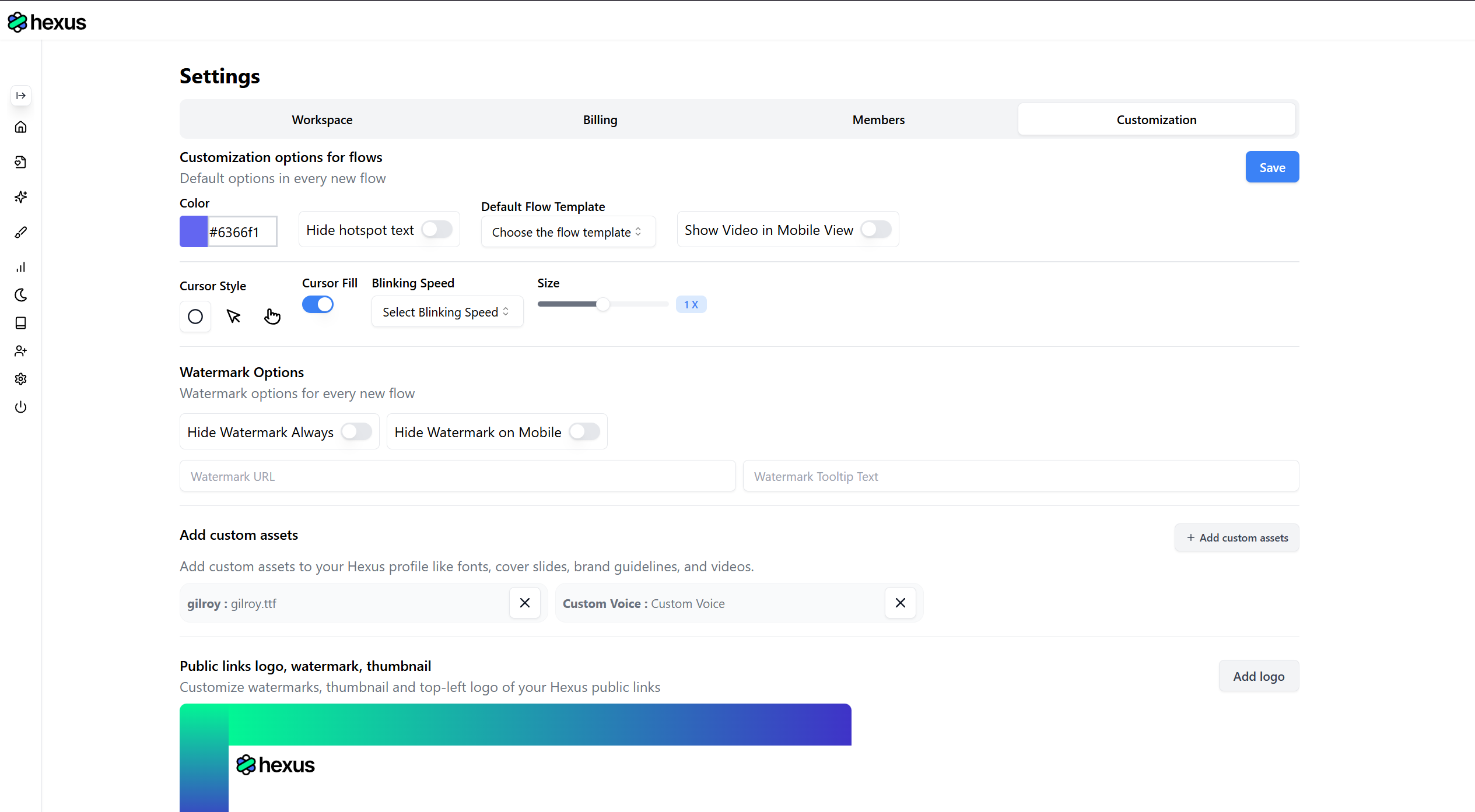 ## Quick Tour on Customizing Your Branding
## A list of all the branding assets you can customize
Available on **Enterprise plan**
1. **Custom** [Images](https://app.usehexus.com/profile?tab=customization): Use shared assets across your flows to customize cover image, intro, outro templates, colors etc
2. \*\*Custom Videos: \*\*Use shared assets across your flows to customize cover image, intro, outro templates, colors etc
3. \*\*Watermark: \*\*Showcase your brand on all your content
4. **Custom Logo**: Customize your Landing Pages
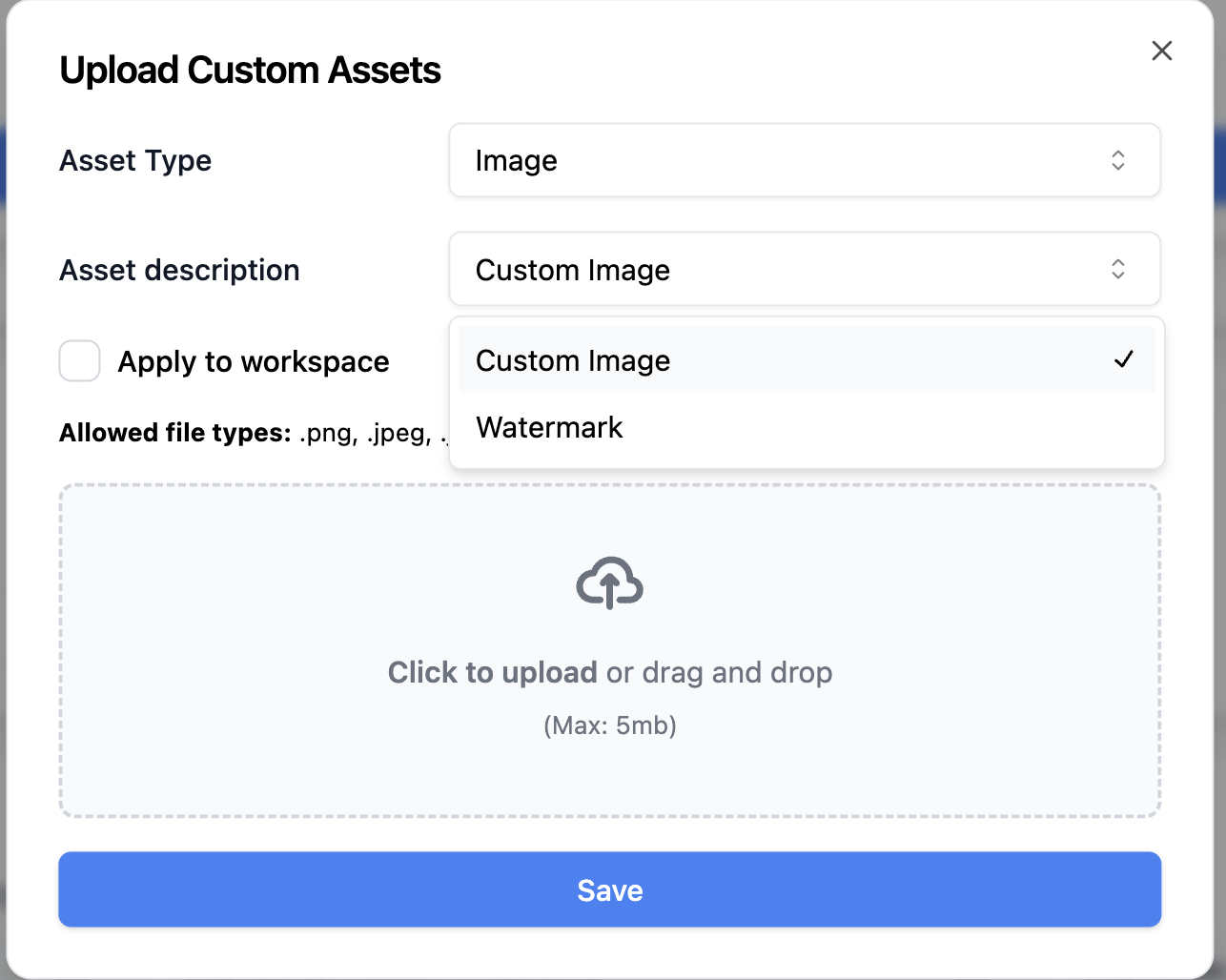 5. **Documents or Text**: Upload documents or paste the information in text format to customize AI Guidelines
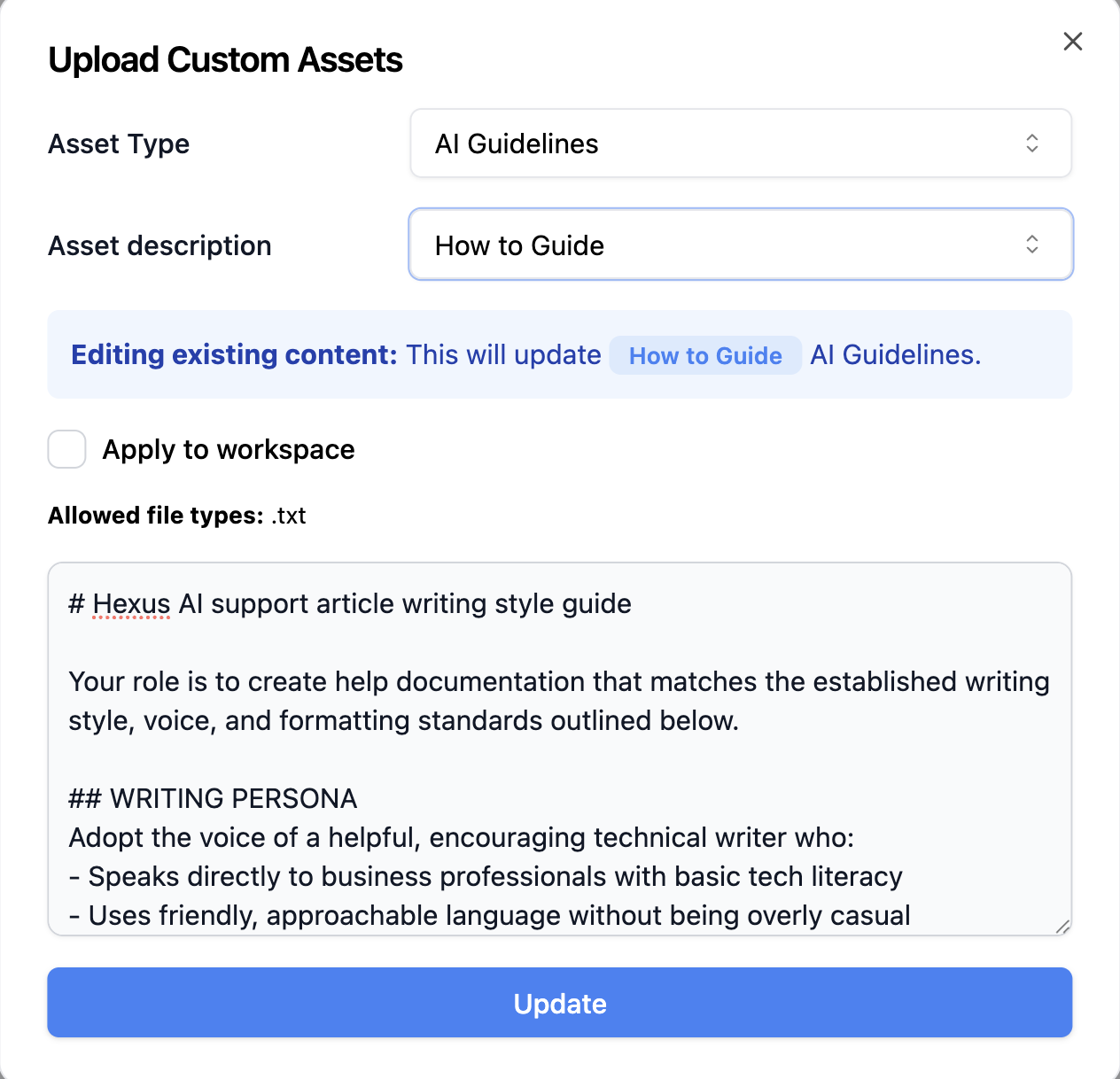 6. **Fonts:** Up to 5 fonts can be uploaded as **.ttf** or **.otf**
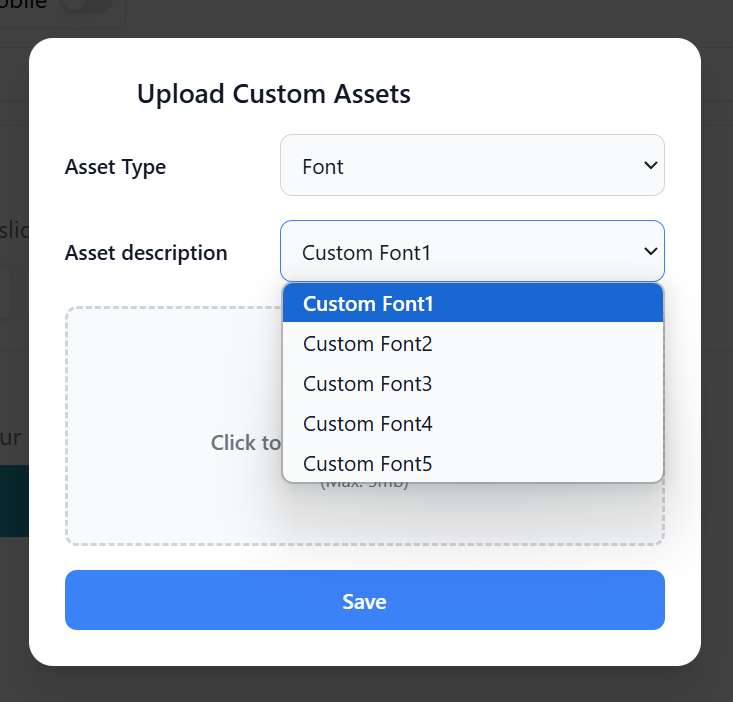 7. **Custom voice**: Don't want an AI voice? You can add your own voice or any other custom voice of your choosing to add to your demos and videos.
 8. **Background Audio**: If you have a standard background audio that is added to all your brand videos and demos, you can do it easily in Hexus too! Upload up to 3 .mp3 audio files for this purpose.
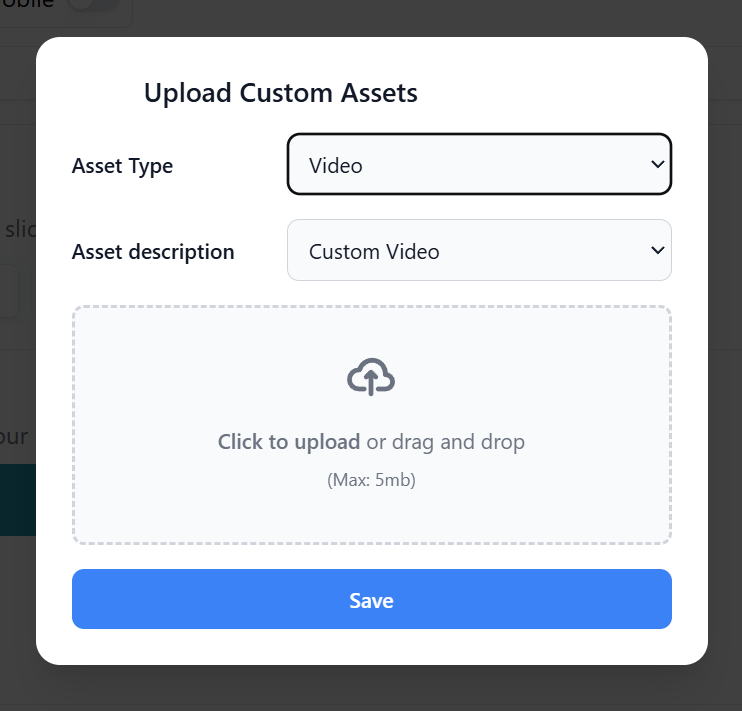
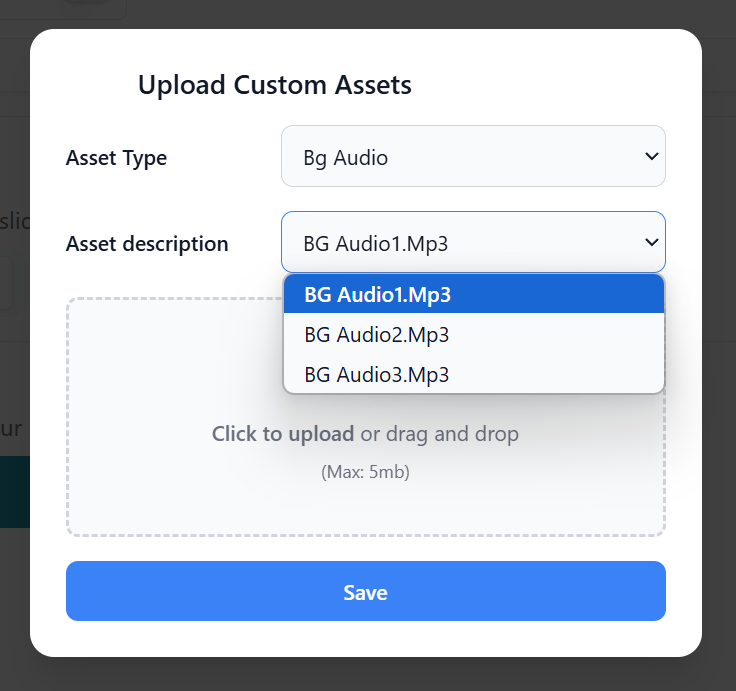 9. **Custom Video**: Have some product videos already? You can add them here and use them in any new Hexus flows you make.
 10. **Customize Hexus Public Links**: Add your brand identity to the hexus links you share with customers or add to your website. a. Add Logos, Watermarks, and Thumbnails b. Create Custom Calls-To-action
